
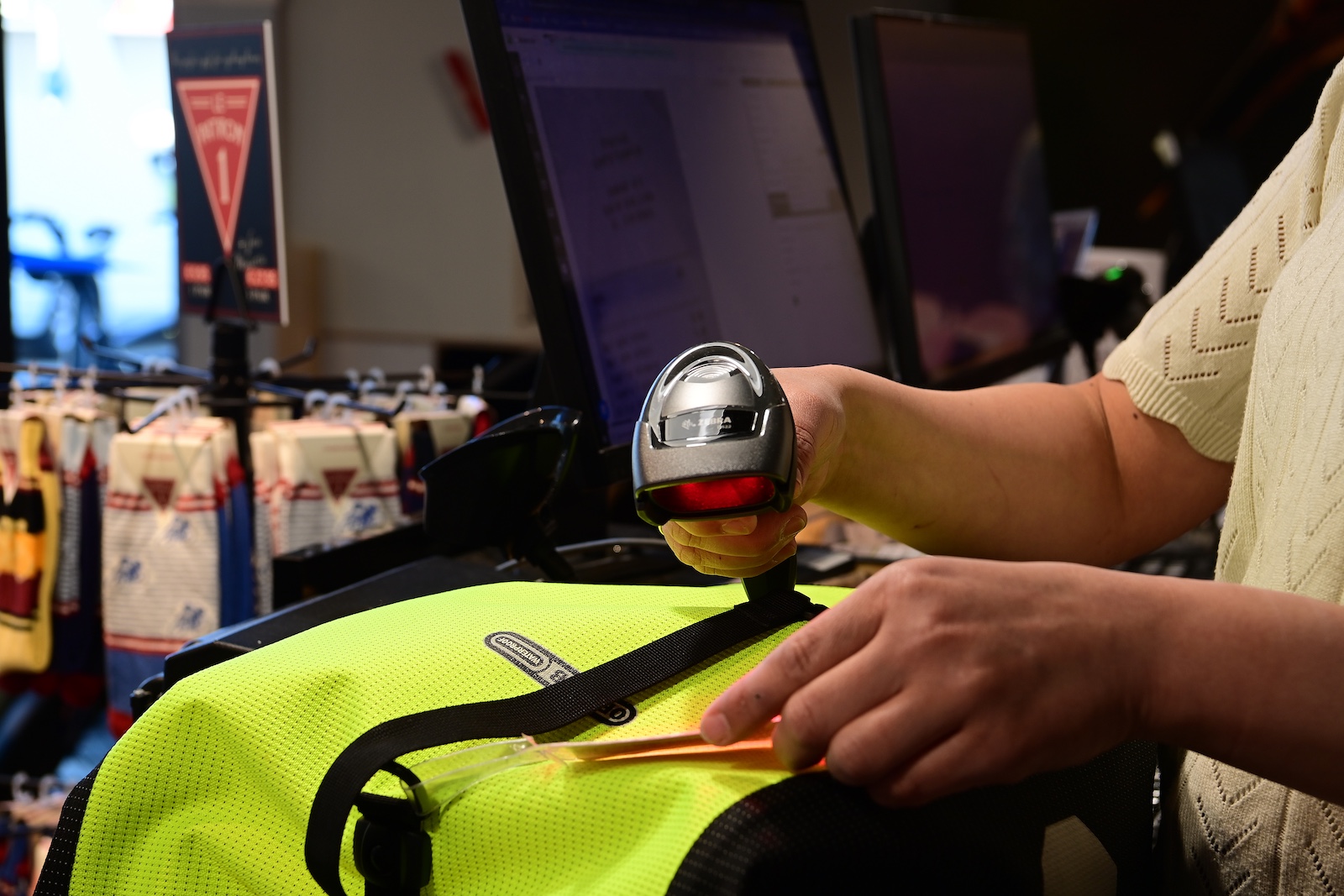
As a retailer, you wish to utilize the services of DST, but how does it work exactly?
Bicycle stores can easily receive DST product data via their point-of-sale system. Virtually all two-wheeler POS systems collaborate with DST. You automatically receive data via your POS without having to take any action; entering your DST user data and sometimes just your unique GLN is sufficient.
It is also possible to link DST to other systems, such as a webshop or a PIM system. In that case, you connect using our latest 3.0 API: a technical interface that allows programmers to realize the integration.
How does it work?
The steps below are, in most cases, intended for your programmer.
First, retrieve a token.
To request a token, an http POST of the type ”x-www-form-urlencoded” must be performed to:
Production: https://keycloak.platformdst.nl/auth/realms/DST/protocol/openid-connect/token
Enter the following parameters:
- username = [your own username]
- password = [your own password]
- client_id = dst3-api
- grant_type = password
An example of such a call in CURL:
curl –location –request POST ‘https://keycloak.platformdst.nl/auth/realms/DST-NonProd/protocol/openid-connect/token’ "
- header ‘Content-Type: application/x-www-form-urlencoded’ "
- data-urlencode ‘username=[replace with your username]’ "
- data-urlencode ‘password=[replace with your password]’ "
- data-urlencode ‘client_id=dst3-api’ "
- data-urlencode ‘grant_type=password’
In the event of a positive result, the JSON contains an “access_token” that must be used to call the DST 3.0 API. Subsequently, this token can be used to make a call to the DST 3.0 API.
Swagger
The API 3.0 OpenAPI definition documentation for the test and production environments can be found at:
Production: https://dst3-api.platformdst.nl/api/docs/swagger-ui/index.htm
Several OpenAPI definitions are available, for each role individually. These are shown below and must be entered into the “explore” field to display the correct documentation. These are only accessible to users with the appropriate role.
/api/docs/customer
How do you obtain products?
An example of a call to request products in CURL is shown below. First, you must retrieve a token as described previously, after which you can execute the following call
curl –location –request GET ‘https://dst3-api.test.platformdst.nl/api/customer/product’ –header ‘Authorization: Bearer [replace with the access token value from previous token request]’
Example:
https://dst3-api.platformdst.nl/api/customer/product?language=en
Here, the language is specified as English.
The remaining endpoints:
To reach the endpoints, you must first execute the base URL for the following calls with a valid token in the header, as demonstrated above.
/api/customer/product/count
This results in the number of products that you are authorized to see and that meet the entered search terms. The search terms are:
- Language: the language of the product
- supplierName: the code a supplier has, for example TREK
- countries: the countries of the product you wish to see. An array of strings
- eanUpc: the EAN UPC number in the product
- itemNumber: the item number field in the product
- statuses: the statuses the product is in. An array of strings
- productGroup: the article subgroup to which the product belongs
- brand: the brand found in the general_productinformation
- keyword: the keyword field contained in the product
- dateModified: the date on which the product was last modified
- modifiedSince: the date since the product was last modified.
All input fields are not case-sensitive. All these search terms are also possible in the product endpoint mentioned above.
/api/customer/codelists
Here, you receive the code and name of all code lists present in DST.
/api/customer/codelist/{codelistCode}
With the provided codelistCode, you receive an array of the values contained in that code list table.
Connecting as a POS system and utilizing the multi-user option
The multicustomer endpoints:
/api/customer/product/clean
This works exactly the same as the endpoint: /api/customer/product
With two minor adjustments:
1: The code list values in the internationalCode version remain, and it is not checked per language which translation is placed next to it
2: authorization is not checked because this concerns a multicustomer
/api/customer/authorization/gln
If you enter a customer's GLN, you receive the authorization in the following way:
An array of:
gln,
supplierCode,
supplierName,
profileCode,
profileName,
customerCode,
customerName
/api/customer/all
No information needs to be provided here. You receive an array of all customers.